
Reviewed by SmartGuideHubs Editorial Team
Our editorial team conducts structured evaluations based on real-world usage, feature analysis, pricing, and overall value. We focus on helping readers understand usability, performance, and whether a tool is the right fit before starting a trial or subscription.
📖 Article Navigation
The Best Tool to Diagnose & Fix Indexing Issues
We've tested dozens of SEO tools – Semrush is the only one that gives you a complete picture of your site's indexing health, crawl budget, and AI visibility.
Semrush
Best for agencies and in-house teams
Semrush helps you monitor indexing status, track crawl errors, and understand why pages aren't making it into Google. With its Site Audit and Log File Analyzer, you get actionable insights to fix indexing problems fast.
- ✔ Real‑time indexing alerts via Search Console integration
- ✔ Crawl budget analysis to stop wasting Google's resources
- ✔ Identify orphaned pages and internal linking gaps
- ✔ Track AI visibility to see if AI tools cite your content
You published your article. You submitted the sitemap. You waited. A week passed. Two weeks. You search for your URL and nothing comes up — not even a trace. Google has visited your page and still decided to pretend it doesn't exist.
This isn't a fluke. It's not just your site. Google's indexing behavior has fundamentally changed, and most guides haven't caught up with what's actually happening in 2026.
Let's break it all down — clearly, honestly, and with real fixes you can act on today.
First: Understand That Google Isn't Broken — It's Just Much More Selective
For most of Google's history, the default behavior was simple: if Googlebot could crawl it, it would probably get indexed. The web was smaller, content was sparser, and Google erred on the side of inclusion.
That logic no longer applies.
The web has exploded in size. AI-generated content has flooded every niche. Millions of new pages are published daily, many of them thin, duplicative, or providing no unique value. As a result, indexing is no longer automatic — it has become a deliberate quality decision.
In short: Google is not broken. It has simply raised the bar. A page can be accessible, crawlable, and technically clean — and still get skipped during indexing. Google now filters pages based on value, quality, and usefulness, not just crawlability.
That changes everything about how you should approach this problem.
The Two Statuses That Tell You Everything
When you open Google Search Console and head to the Pages report, you'll see pages split into "Indexed" and "Not Indexed." The not-indexed bucket is where the real diagnosis lives.
Two statuses show up constantly — and most people misread what they mean:
- "Discovered — Currently Not Indexed"
This means Google knows the URL exists but hasn't crawled it yet. The page is in a queue, waiting for Googlebot to visit. Pages stuck in this status often remain there because Google has deprioritized the domain — the site doesn't have enough authority or historical value to justify immediate crawl resources. This is a crawl budget problem at its core. - "Crawled — Currently Not Indexed"
This one stings more. Google visited the page, evaluated it, and decided not to include it in the index. This is not a technical issue — it is a quality judgment. Google saw your content and determined it did not meet the threshold for indexing. Fixing this requires addressing the quality signals that caused the rejection, not just resubmitting and hoping for a different outcome.
Understanding which status you're dealing with is the first step. They have completely different root causes and completely different fixes.
Why New and Low-Authority Sites Suffer Most
If your site is newer or hasn't built up much authority yet, you're fighting an uphill battle that most guides don't acknowledge honestly.
Sites with stronger authority and trust signals get more generous crawl budgets. Established sites can publish ten articles in a day and see them all indexed within hours, while newer sites struggle to get a single page discovered in a week. Google trusts that high-authority sites produce valuable content worth crawling frequently.
The leaked Google API documentation revealed that Google doesn't manage a uniform index — it manages multiple tiers with different priorities and update frequencies. The "Base Index" is where high-quality main pages, current news, and content from authoritative domains land. Lower-tier content gets indexed less frequently, or not at all. And yes, a kind of Domain Authority does exist within Google's systems, even though they denied it for years.
This isn't unfair — it's just how trust is earned over time. The good news is there are specific things you can do to accelerate it.
The Real Reasons Your Pages Aren't Getting Indexed
1. Your Content Doesn't Add Anything New
With AI-generated content flooding the web, Google has become far more selective. Publishing content alone is no longer enough — you must prove that your page adds unique value and deserves visibility.
The algorithm essentially asks one question: does this page deserve to rank for any query? If your page contains only a few sentences, or mostly duplicates information from other pages on your site, Google may crawl it but choose not to index it. Originality isn't just good practice — it's now an indexing requirement.
2. Your Internal Linking Is Creating Orphaned Pages
If a new article isn't linked from anywhere else on your site, Googlebot has no path to discover it organically. You might submit the URL directly through Search Console, but without internal links, Google sees it as an isolated page with no context or importance signals.
Every important page should be reachable within three to four clicks from your homepage. When you publish something new, link to it from an already-indexed, high-authority page on your site within hours — not days.
3. Your Crawl Budget Is Being Wasted on Junk URLs
URL parameters, session IDs, and faceted navigation can generate multiple URLs with the same or very similar content. Google may crawl them all unless guided otherwise. Pages with little unique content consume crawl budget without providing SEO value. 404 errors, soft 404s, and long redirect chains force crawlers to waste time on pages that don't contribute to rankings.
If Googlebot is burning its daily crawl allowance on your thank-you pages, your tag archives, and your filtered product URLs — it won't have anything left for your real content.
4. A Technical Block You Forgot About
This one is embarrassing but happens more than you'd think. A noindex tag can appear not just in your page's head section but also in HTTP response headers as an X-Robots-Tag — which you won't see in the page source. You'd need browser developer tools to inspect the response headers to catch it. Canonical tags also deserve attention: a canonical pointing to a different URL effectively tells Google "don't index this page, index that one instead."
Before anything else, rule this out with a quick URL Inspection in Search Console.
5. Page Speed Is Throttling Your Crawl Rate
Google's indexing is strongly influenced by page speed and user experience signals in 2026. Slow pages are crawled less often and take longer to appear in search results. Every 100-millisecond improvement in server response time allows Google to crawl approximately 15% more pages per session. Your Core Web Vitals targets should be LCP under 2.5 seconds, INP under 200ms, and CLS under 0.1.
How to Actually Fix It: A Practical Action Plan
Step 1: Diagnose Before You Do Anything
Open Google Search Console, go to the Pages report under Indexing, and export the full list of not-indexed URLs. Look for patterns across excluded pages — if dozens of URLs share the same exclusion reason, you've identified a systemic issue rather than isolated problems. Common patterns include entire sections blocked by robots.txt, template-generated pages with noindex tags, or categories of thin content Google considers low quality.
Don't start fixing random pages. Fix the root cause.
Step 2: Improve the Content First — Then Resubmit
If your pages are sitting on "Crawled — Currently Not Indexed," resubmitting them without changing anything is a waste of your daily request limit. Fix the underlying quality issue first. Add depth, add original insights, add data or examples competitors don't have. Then use the URL Inspection tool's "Request Indexing" button.
You're limited to a handful of these requests per day, so prioritize your most important pages first. Don't burn them on pages that aren't ready.
Step 3: Fix Your Internal Linking Structure
Identify your most frequently crawled pages using Google Search Console's Crawl Stats report — pages that receive daily or multiple crawler visits. Add contextual links to new content from these high-traffic pages within hours of publishing, using descriptive anchor text that clearly indicates what the linked page covers. Updating your site's recent posts or latest content widget to automatically feature new articles on high-authority pages like your homepage and main category pages also helps significantly.
Step 4: Clean Up Crawl Budget Waste
Audit your site for duplicate content using tools like Screaming Frog, then implement canonical tags to consolidate indexing signals to your preferred versions of similar pages. Review your robots.txt file to block crawlers from accessing admin areas, search result pages, and URL parameters that create duplicate content versions.
According to Google's official documentation, for unimportant pages you want to block from crawling entirely, robots.txt is the right tool — not noindex, because noindex still causes Google to request the page before dropping it, wasting crawl time. And for permanently removed pages, a 404 or 410 status code is the right signal — Google won't forget a URL it knows about, but a 404 is a strong signal not to crawl it again.
Step 5: Update and Resubmit Your Sitemap
After resolving widespread issues, update your sitemap's lastmod dates to reflect recent changes, then resubmit it through Google Search Console. This signals to Google that content has been updated and warrants fresh crawling.
One important caveat: your sitemap should only contain indexable, canonical pages you actually want in search results — no noindex pages, no duplicates, no redirect targets, no thin content. A bloated sitemap dilutes the signals and can cause Google to overlook your most important pages.
Step 6: Build Authority in Parallel
All the technical fixes in the world won't fully solve slow indexing if your site is new and lacks external trust signals. Build quality backlinks by reaching out to reputable sites in your niche for guest posts or collaborations. Refresh existing articles to keep them relevant. Publish consistently — regular updates signal an active, reliable site. These aren't overnight fixes, but they compound quickly once you start.
Visual Walkthrough: Diagnosing Indexing Issues in Google Search Console
Here's what the actual Google Search Console interface looks like when you're identifying indexing problems. Use these al generated images as a guide when you check your own site.
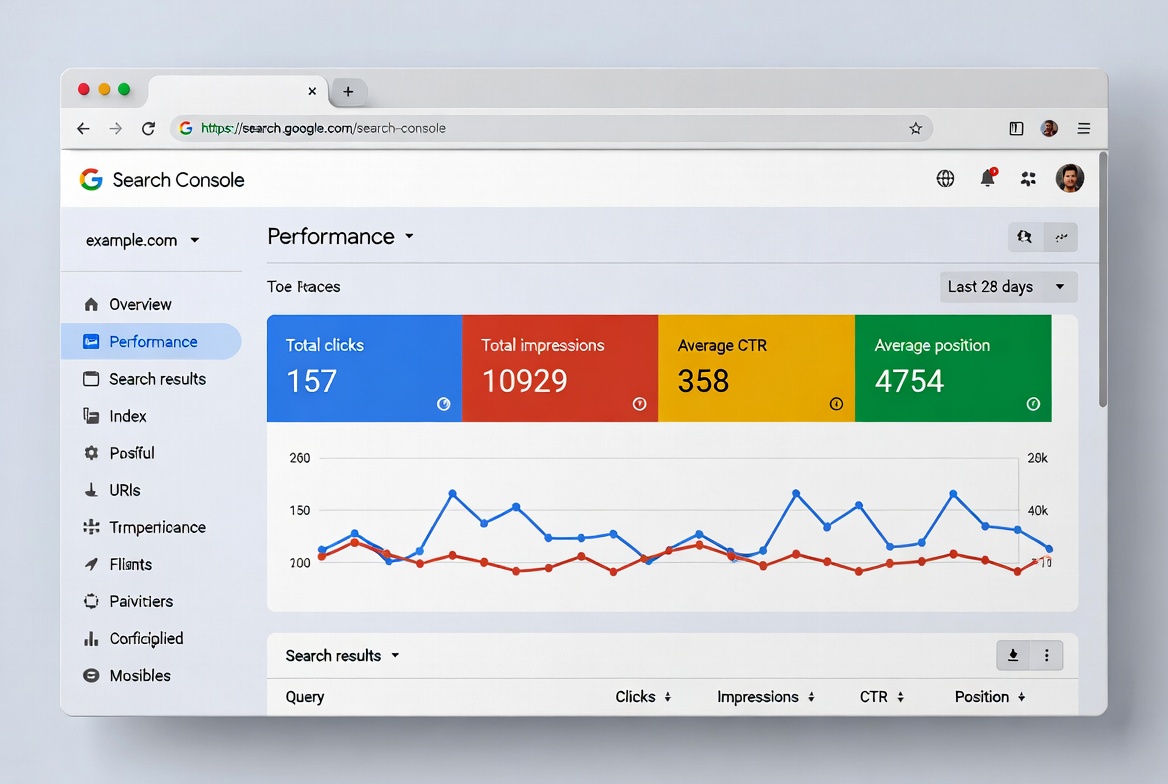
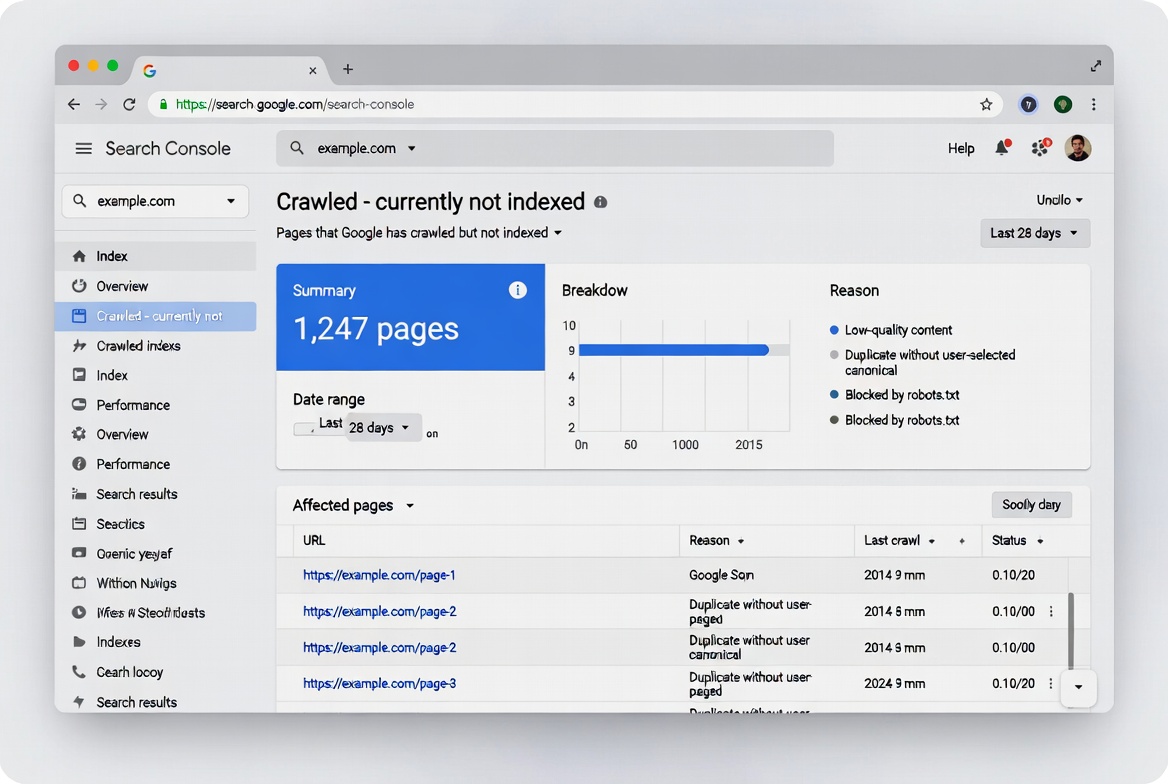
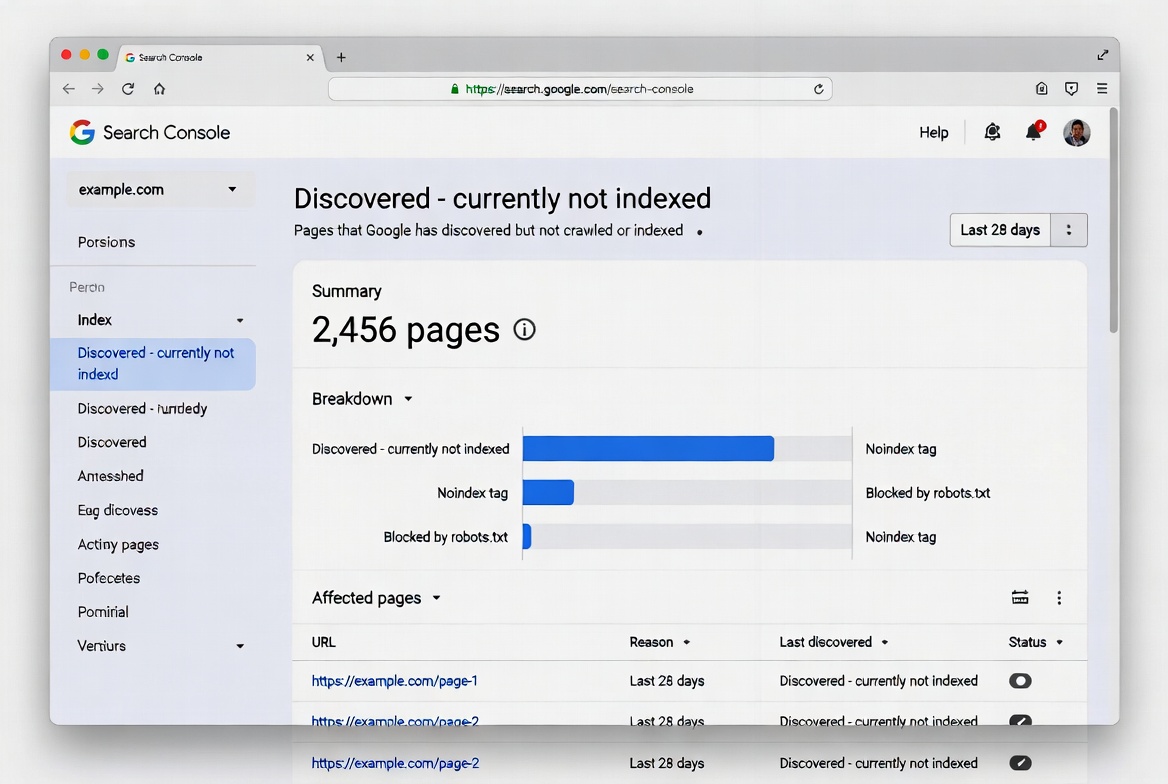
Note: This is an AI-generated visual created to simplify complex concepts and improve reader understanding.
✅ What Works for Indexing
- Publishing unique, in-depth content that adds new value
- Strategic internal linking from high-authority pages
- Optimizing crawl budget by blocking junk URLs
- Regularly updating and resubmitting a clean sitemap
❌ Common Mistakes
- Resubmitting the same thin content repeatedly
- Leaving new pages orphaned (no internal links)
- Letting duplicate content consume crawl budget
- Ignoring Core Web Vitals and page speed
The Uncomfortable Truth About New Sites
If you're running a new site — under a year old with limited backlinks — there's something nobody tells you upfront: newer sites without established trust signals face longer indexing delays because Google needs to validate that the content is legitimate and valuable.
There's no shortcut around this. You can do everything technically right and still wait longer than an established site simply because Google doesn't know you yet. The fix is time, consistency, and building genuine signals that your content is worth indexing.
That doesn't mean you're helpless. Every internal link you build, every quality piece you publish, and every crawl budget optimization you make is buying back trust incrementally. Sites that do this deliberately — rather than publishing in bursts and hoping for the best — tend to cross the authority threshold faster.
What Not to Do
A few things that make indexing problems worse, not better:
- Don't submit the same URL repeatedly without fixing it. You'll burn your daily request limit and signal to Google that you don't understand the problem.
- Don't add every URL to your sitemap. A bloated sitemap with thin or low-value URLs can dilute signals and cause Googlebot to overlook pages that actually deserve attention.
- Don't assume crawling equals indexing. Just because Google visited your page doesn't mean it was indexed. Google crawls pages for discovery but indexes only pages it considers useful — this gap is one of the most misunderstood issues in SEO.
- Don't use robots.txt to temporarily block pages in hopes of redirecting crawl budget elsewhere. Google won't shift newly available crawl budget to other pages unless your site is already hitting its serving limit.
Final Thought
Google indexing in 2026 isn't broken — but it is fundamentally different from what most SEO guides still describe. The days of "publish and it will be indexed" are over. Every page now competes for crawl budget and index space in a web flooded with AI-generated content.
The sites that win this game aren't the ones with the most content. They're the ones with the most trustworthy content — clean architecture, genuine depth, strong internal linking, and the kind of track record that earns a bigger crawl budget over time.
Fix the technical foundations, build content that earns its index spot, and be patient with authority. That combination still works — even now.
Track Indexing Issues with Semrush
Use Semrush to audit your site's indexing health, monitor crawl budget, and identify pages that aren't making it into Google.
Try Semrush Free →Affiliate disclosure: We may earn a commission at no extra cost to you.
❓ Frequently Asked Questions
📚 More Resources
Complete SEO platform analysis – track your indexing issues and keyword visibility.
Top providers compared for deliverability and pricing.
Browse all email marketing software reviews.
Latest articles and updates.
💎 Transparency Note
Affiliate Disclosure: We use affiliate links in our reviews. If you sign up through our links (like this Semrush free trial link), we may earn a commission at no extra cost to you. This doesn't influence our reviews — we maintain strict editorial independence.